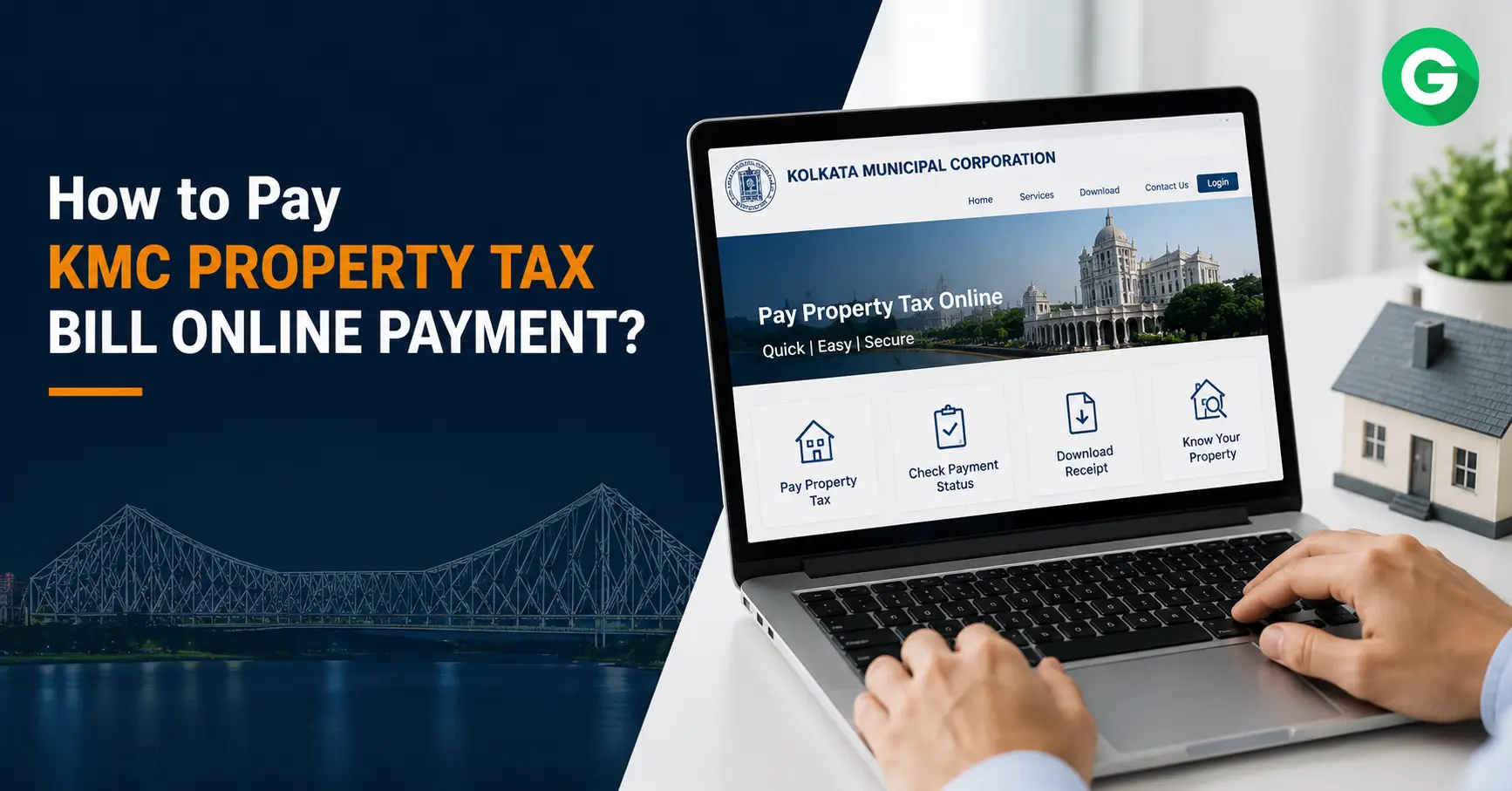
How to Pay KMC Property Tax Bill Online Payment
Paying your KMC Property Tax payment online is simple. Visit the official Kolkata Municipal Corporation payment portal, enter your Assessee Number, verify your pending bill, complete the payment using your preferred online method, and download the receipt for future reference. The entire process usually takes only a few minutes when you have your property details ready.
What is KMC Property Tax?
KMC Property Tax is the annual tax collected by the Kolkata Municipal Corporation (KMC) from owners of residential, commercial, industrial, and institutional properties within Kolkata city limits. The revenue is used to maintain essential civic infrastructure and public services, including:
- Roads and street maintenance
- Water supply
- Drainage and sewer systems
- Public lighting
- Waste management
- Parks and civic amenities
Paying property tax on time helps avoid penalties and keeps municipal records updated.
Documents Required Before Making KMC Property Tax Payment
Keep the following details ready before starting the payment process:
| Requirement | Purpose |
| Assessee Number | To locate your property tax account |
| Registered Mobile Number | Payment notifications |
| Email Address | Receipt delivery |
| Internet Banking, UPI, Debit/Credit Card | Online payment |
| Stable Internet Connection | Smooth transaction |
How to Pay KMC Property Tax Bill Online?
Follow these simple steps:
Step 1: Visit the Official KMC Payment Portal
Open the official Kolkata Municipal Corporation online payment portal and choose Property Tax under Online Services.
Step 2: Select Property Tax
Choose Unpaid Property Tax – All Bills (PD, FS & LOI) from the available payment options.
Step 3: Enter Your Assessee Number
Enter your unique Assessee Number exactly as mentioned on your previous property tax bill.
Step 4: Verify Property Details
The portal will display:
- Property address
- Owner name
- Outstanding tax amount
- Previous dues (if any)
Verify all information carefully before proceeding.
Step 5: Choose Your Payment Method
Most taxpayers can pay using:
- UPI
- Net Banking
- Debit Card
- Credit Card
- Digital Wallets (where available)
Supported payment options may vary depending on the payment gateway.
Step 6: Complete Payment
After successful payment:
- Transaction ID is generated.
- Payment confirmation appears instantly.
- An electronic receipt becomes available for download.
Always save both the PDF receipt and transaction reference.
Benefits of Paying KMC Property Tax Online
Online payment offers several advantages:
- 24×7 availability
- No need to visit municipal offices
- Instant payment confirmation
- Digital receipt for records
- Secure online payment
- Faster processing
- Reduced paperwork
For many homeowners, online payment also makes it easier to track previous transactions and avoid missed due dates.
Common Mistakes to Avoid
Before making payment, avoid these common errors:
- Entering an incorrect Assessee Number
- Paying under the wrong property account
- Closing the browser before payment confirmation
- Forgetting to download the receipt
- Ignoring pending arrears
- Waiting until the last day to pay
A homeowner in Kolkata who delayed downloading the receipt had difficulty proving payment during a later verification. Keeping both the receipt and transaction reference prevented further complications.
How to Download Your KMC Property Tax Receipt?
After payment:
- Open the KMC portal.
- Go to Property Tax services.
- Enter your Assessee Number or transaction details.
- Locate your payment history.
- Download or print the receipt.
The receipt serves as proof of payment and may be required during property transactions or loan processing.
KMC Property Tax vs Other Municipal Property Tax Systems
| Municipal Authority | Online Payment Available |
| Kolkata Municipal Corporation (KMC) | Yes |
| GVMC Property Tax | Yes |
| Property Tax Andhra Pradesh | Yes |
| Property Tax West Bengal (Municipal Bodies) | Depends on municipality |
Although the online process is similar across municipal corporations, each authority uses its own property identification system and payment portal.
Conclusion
Making your KMC Property Tax Payment online is the fastest and most convenient way to stay compliant with municipal regulations. By keeping your Assessee Number ready, verifying property details carefully, and downloading the payment receipt after every transaction, you can complete the process in just a few minutes while avoiding unnecessary delays and penalties.
FAQs
Q1. How can I pay KMC Property Tax online?
Visit the official KMC online payment portal, enter your Assessee Number, verify your property details, choose a payment method, and complete the transaction.
Q2. What is an Assessee Number?
It is the unique property identification number assigned by Kolkata Municipal Corporation for property tax records.
Q3. Can I pay KMC Property Tax through UPI?
Yes. UPI is generally available along with Net Banking, Debit Card, and Credit Card payment options.
Q4. What happens if I miss the due date?
Late payment may attract applicable interest or penalties as per KMC regulations. Paying before the due date helps avoid additional charges.
Q5. Can I download my receipt later?
Yes. The payment receipt can usually be accessed and downloaded from the KMC portal after successful payment.
Q6. Is online payment safe?
Yes. Payments made through the official Kolkata Municipal Corporation portal use secure payment gateways. Always verify that you are using the official website.
Q7. Can I pay outstanding arrears online?
Yes. If unpaid bills are linked to your Assessee Number, they are generally displayed on the portal before payment.